Embroidery Digitizing
What Is Embroidery Digitizing? A Complete Beginner's Guide
Imagine you have a beautiful company logo saved as a PNG or JPG. You want that logo embroidered on polo shirts, baseball caps, jackets, or uniforms. You send the image to an embroidery shop, expecting the machine to stitch it exactly as it appears on your screen.
But there is one important step between your artwork and the finished embroidery: embroidery digitizing.
Unlike a printer, an embroidery machine cannot simply read an ordinary image and reproduce it with thread. It needs specific instructions that tell it where to place stitches, which stitch types to use, and how to move between different parts of the design.
Whether you're launching a clothing brand, running an embroidery business, or ordering embroidered merchandise for the first time, understanding this process can help you avoid production problems and achieve better results.
In this beginner's guide, we'll explain how embroidery digitizing works, the different stitch types, popular embroidery file formats, common problems, and what you should know before ordering a custom digitized design.
What Is Embroidery Digitizing?
Embroidery digitizing is the process of using specialized software to transform digital artwork into a series of embroidery instructions.
These instructions control how an embroidery machine stitches a design, including:
- Where the needle should move
- Which stitch types should form each element
- The direction and spacing of stitches
- The order in which different elements are sewn
- Where color changes, jumps, and trims are needed
- How the design should respond to the fabric being embroidered
For example, imagine a logo featuring bold lettering, a circular border, and a detailed illustration.
A digitizer must determine how each part should be stitched. The lettering might need satin stitches, the larger shapes might need fill stitches, and the fine details might require running stitches.
The digitizer also needs to consider the fabric, embroidery size, and design placement.
This is why embroidery digitizing is more than simply converting one file format into another.
Embroidery Digitizing vs. Regular Image Conversion
A common misunderstanding is that renaming a JPG or PNG file to .DST or .PES will make it compatible with an embroidery machine.
It won't.
A JPG contains pixels. An SVG contains vector paths. An embroidery file contains stitch instructions.
These files serve different purposes.
A digitizer interprets the artwork and creates stitch instructions that an embroidery machine can use. This may involve simplifying small details, changing how outlines are constructed, and adjusting stitch properties to suit the material.
The goal is not just to make the design look good on a computer screen. It is to help the design sew properly on a real garment.
How Does Embroidery Digitizing Work?
The embroidery digitizing process generally involves several stages, from artwork evaluation to machine-file export.
Here is how a typical professional workflow works.
- 1Artwork
- 2Size & placement
- 3Stitch planning
- 4Underlay
- 5Simulation
- 6Machine file
- 7Sew-out
Step 1: Review the Logo or Artwork
The process begins with the artwork provided by the customer.
Common input formats include:
- PNG
- JPG or JPEG
- AI
- EPS
- SVG
The digitizer examines the design's shapes, lettering, colors, outlines, and overall complexity.
Not every detail that looks good on a screen can be reproduced at a small embroidery size.
For example, an intricate logo with very thin lines may need adjustments before it can be embroidered on a small polo-shirt chest area.
A well-prepared digitizer identifies these limitations early and determines how to translate the artwork into stitches.
Step 2: Determine the Embroidery Size and Placement
Before creating the stitch file, the digitizer needs to know where the design will be embroidered.
Common placements include:
- Left-chest logos on polo shirts
- Front panels of baseball caps
- Jacket backs
- Sleeves
- Work uniforms
- Tote bags
- Custom patches
Size and placement influence stitch density, detail, lettering, and stitch sequence.
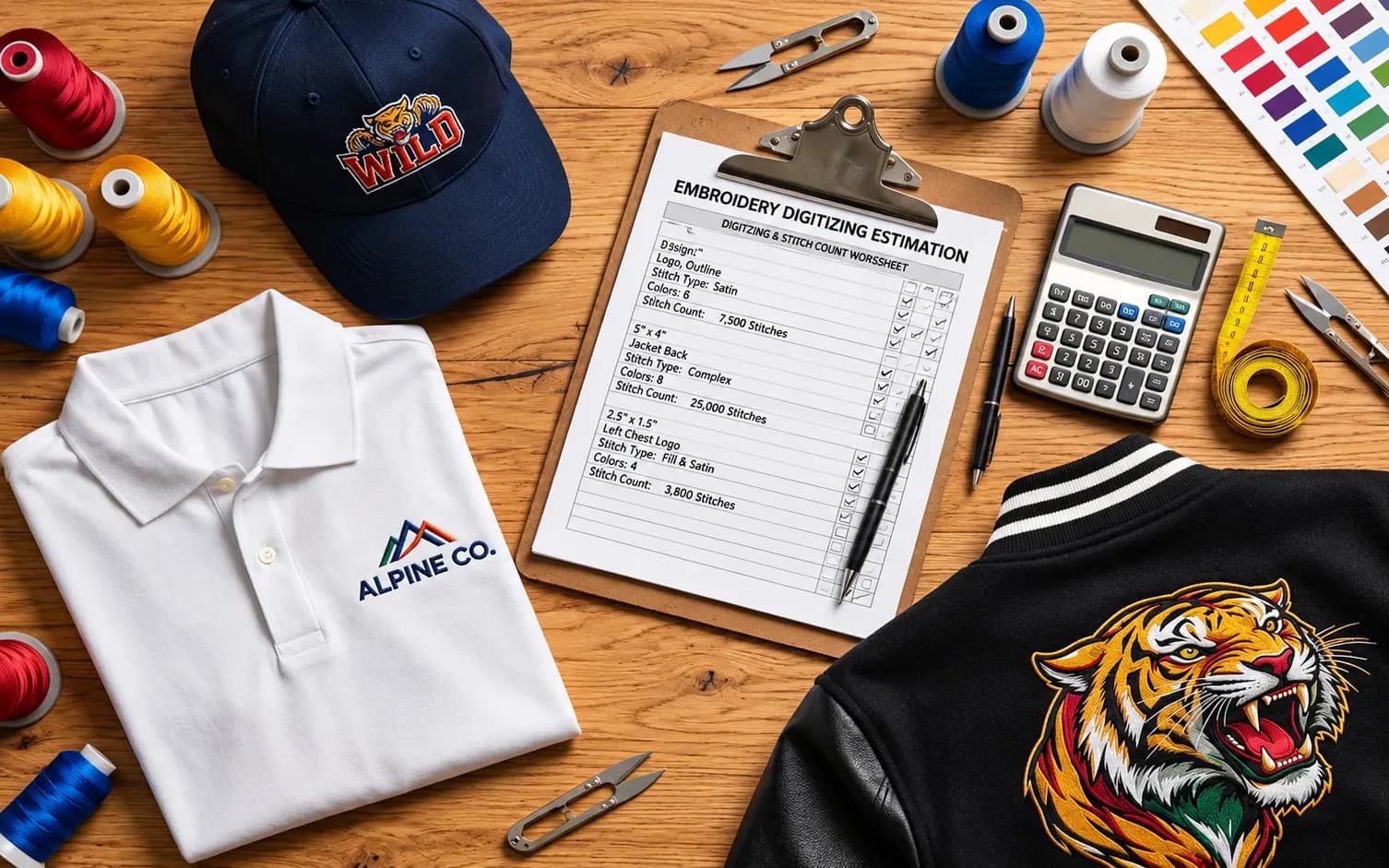
A logo designed for a 3.5-inch-wide left-chest placement may not use exactly the same digitizing settings when enlarged for a jacket back or adapted to a cap.
This is why providing the intended embroidery dimensions is essential.
Step 3: Select Stitch Types and Sewing Sequence
Next, the digitizer decides how each design element should be stitched.
Different elements may require running, satin, or fill stitches.
The sewing sequence is also planned carefully.
A logical sewing sequence can help manage overlapping elements, reduce unnecessary machine movements, and limit excessive jumps and trims.
The appropriate sequence depends on the artwork, garment, and embroidery technique.
Step 4: Add Underlay and Fabric Compensation
Fabric is flexible, which means it can stretch, shift, or compress during embroidery.
To accommodate these characteristics, the digitizer may add underlay stitches and adjust pull compensation.
Underlay helps support the visible stitches, while pull compensation helps account for changes in the shape of embroidered elements caused by thread tension and fabric movement.
These settings can influence the final appearance of outlines, lettering, and filled areas.
Step 5: Review the Stitch Simulation
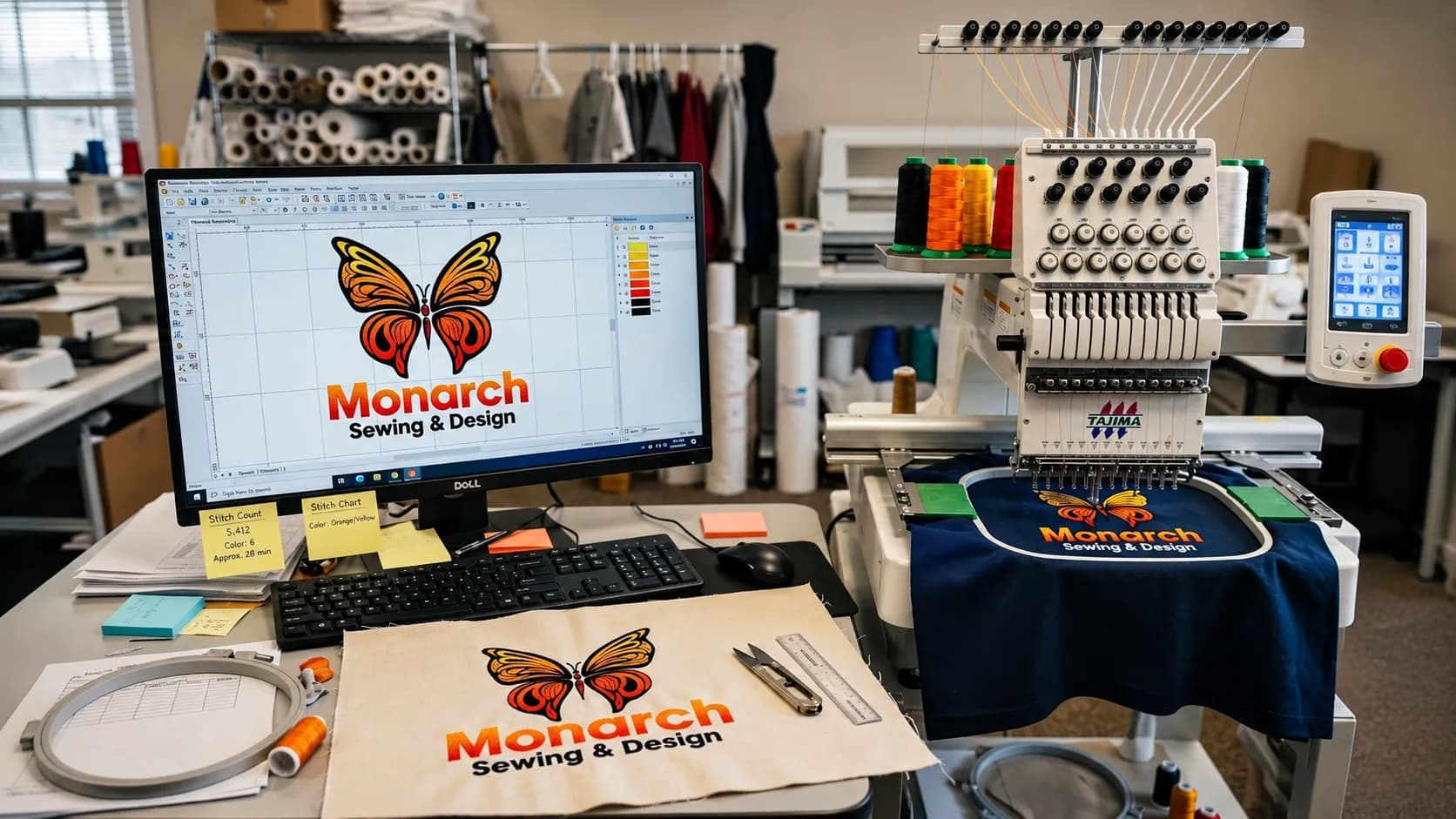
Most professional digitizing software includes tools for previewing the embroidery sequence.
A stitch simulation can help identify potential issues, such as:
- Incorrect stitch directions
- Unnecessary jumps
- Poor sewing sequence
- Excessive stitch buildup
- Missing details
- Inappropriate stitch coverage
However, a simulation is not the same as an actual embroidery sew-out.
A design that looks correct on screen may still require adjustments when stitched onto fabric.
Step 6: Export the Embroidery Machine File
Once the design has been reviewed, the digitizer exports it in the format required by the embroidery machine.
Common formats include DST, PES, EXP, JEF, and VP3.
The correct file type depends on the embroidery machine and its supported software.
An editable source file may also be saved for future modifications.
Step 7: Test the Embroidery Sew-Out
A physical sew-out is one of the most useful ways to evaluate digitizing quality.
During a test, the design is stitched onto a suitable fabric using appropriate stabilizer, thread, needles, and machine settings.
The result can reveal issues that are difficult to identify in a software preview.
For example, small lettering might need adjustment, a border may require additional compensation, or dense stitching might cause visible distortion.
When practical, testing on material similar to the final garment helps improve the reliability of production.
Understanding the Three Main Embroidery Stitch Types
One of the most important parts of embroidery digitizing is selecting the correct stitch type.
Although digitizing software provides many specialized techniques, three fundamental stitch types appear in a wide variety of embroidered designs.
1. Running Stitches
Running stitches form a line of individual stitches along a path.
They are commonly used for:
- Fine outlines
- Small decorative details
- Connecting elements
- Certain lettering styles
- Underlay construction
Running stitches are useful when the design requires a relatively thin stitched line.
However, details that are too small or intricate may still become difficult to reproduce accurately.
2. Satin Stitches
Satin stitches consist of closely arranged stitches that travel across a narrow shape.
They are frequently used for:
- Logo lettering
- Borders
- Monograms
- Narrow shapes
- Decorative outlines
Satin stitching creates a smooth, raised appearance that works well for many business logos.
However, excessively wide satin areas can create long, unsupported stitches. In those situations, other stitch techniques may be more appropriate.
3. Fill Stitches
Fill stitches, sometimes called tatami stitches, are used to cover larger areas of a design.
Examples include:
- Large logo backgrounds
- Solid illustrations
- Wide lettering
- Decorative filled shapes
A digitizer can adjust fill direction, density, and patterns to influence appearance and coverage.
The appropriate settings depend on the fabric and design.
Stitch Type Comparison
| Stitch Type | Common Application | Key Consideration |
|---|---|---|
| Running | Fine details and outlines | Very thin details may be difficult to reproduce |
| Satin | Lettering and narrow shapes | Excessively wide spans may require another technique |
| Fill | Large solid areas | Density and stitch direction must suit the fabric |
A professionally digitized design often combines these stitch types rather than relying on just one.
What Are Underlay, Stitch Density, and Pull Compensation?
If you're new to embroidery, these terms may sound technical. However, they explain why two digitized versions of the same logo can produce noticeably different results.
Underlay Stitches: Supporting the Design
Underlay stitches are placed beneath the visible embroidery.
They help stabilize an area, support top stitching, and manage the fabric surface.
For example, on a textured material, appropriate underlay can help prevent top stitches from sinking excessively into the fabric.
Different fabrics and design elements may require different underlay types.
Too little or inappropriate underlay can contribute to unstable-looking embroidery. Too much underlay can create unnecessary bulk.
Stitch Density: Controlling Thread Coverage
Stitch density describes how closely stitches are arranged.
Higher density is not automatically better.
If stitches are packed too tightly, the embroidery can become stiff and may contribute to thread breaks, puckering, or other sewing difficulties.
If stitches are spaced too far apart, gaps in coverage may become visible.
The correct density depends on the stitch type, thread, fabric, stabilizer, and design.
Pull Compensation: Accounting for Fabric Movement
During embroidery, stitches can pull fabric inward.
This movement may cause shapes to appear narrower than intended or create small gaps between design elements.
Pull compensation adjusts the digitized shapes or stitch coverage to account for that effect.
For example, a filled shape with a satin outline may need compensation to help the finished outline cover the edge correctly.
The ideal settings depend on the material and must be evaluated in context.
Together, underlay, density, and pull compensation play a major role in embroidery quality.
Which Files Do Embroidery Machines Use?
Different embroidery machines require different file formats.
Choosing the correct format is essential because not every machine supports the same types of files.
Here are some commonly used embroidery formats.
| File Format | Commonly Associated Machines or Software |
|---|---|
| DST | Tajima and many commercial embroidery workflows |
| PES | Brother and Baby Lock |
| EXP | Melco and certain Bernina workflows |
| JEF | Janome |
| VP3 | Husqvarna Viking and certain Pfaff workflows |
| EMB | Editable native design format used by Wilcom-compatible software |
Exact compatibility can vary by machine model, software version, and embroidery workflow.
What Is a DST File?
DST is a widely used embroidery stitch-file format in commercial embroidery.
It contains stitch movement and machine-control information.
However, DST does not function like an editable vector artwork file, and its handling of color information is limited.
If you plan to make significant design changes later, retaining an appropriate native source file can be important.
What Is a PES File?
PES is commonly associated with Brother and Baby Lock embroidery machines.
It is used to store machine embroidery designs and can include information relevant to thread colors.
Different versions of the format exist, so confirming machine compatibility is still important.
What Is an EMB File?
EMB is a native embroidery design format associated with Wilcom software.
Unlike an exported stitch file, a compatible editable source file can preserve design objects and their properties.
This can make some future changes, such as lettering adjustments or stitch-property edits, easier.
However, EMB compatibility depends on the software and version being used.
Beginner tip: When requesting digitizing, tell the provider your embroidery machine brand, model, and required file format. This helps avoid unnecessary file-conversion problems.
Can You Convert a PNG, JPG, or Vector Logo Into Embroidery?
Yes. A PNG, JPG, or vector logo can be used as the starting point for embroidery digitizing.
However, the image itself is not automatically an embroidery machine file.
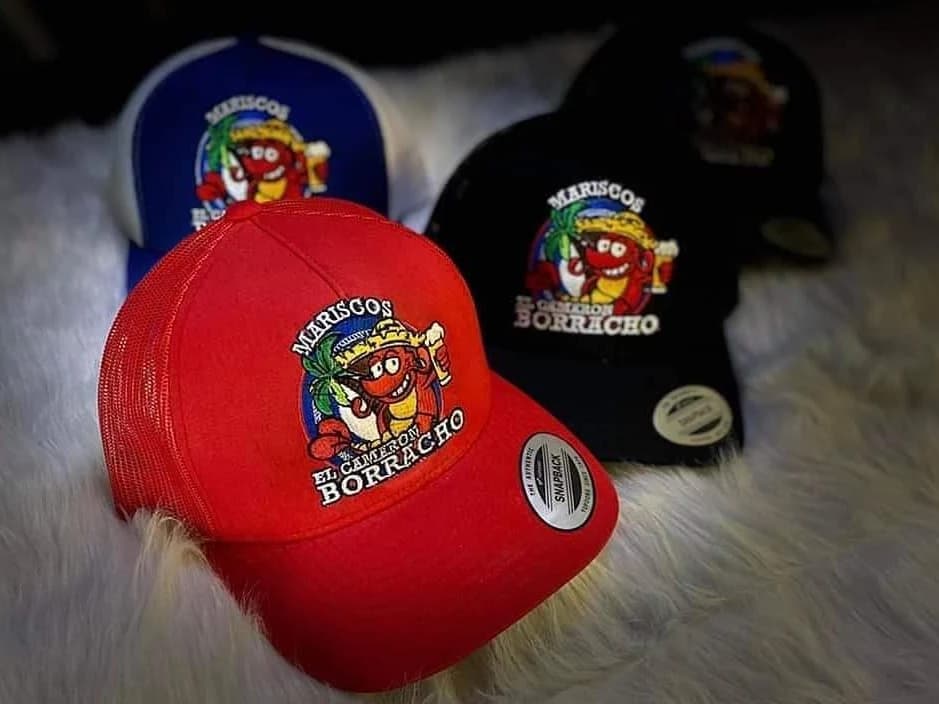
Digitizing a PNG or JPG Logo
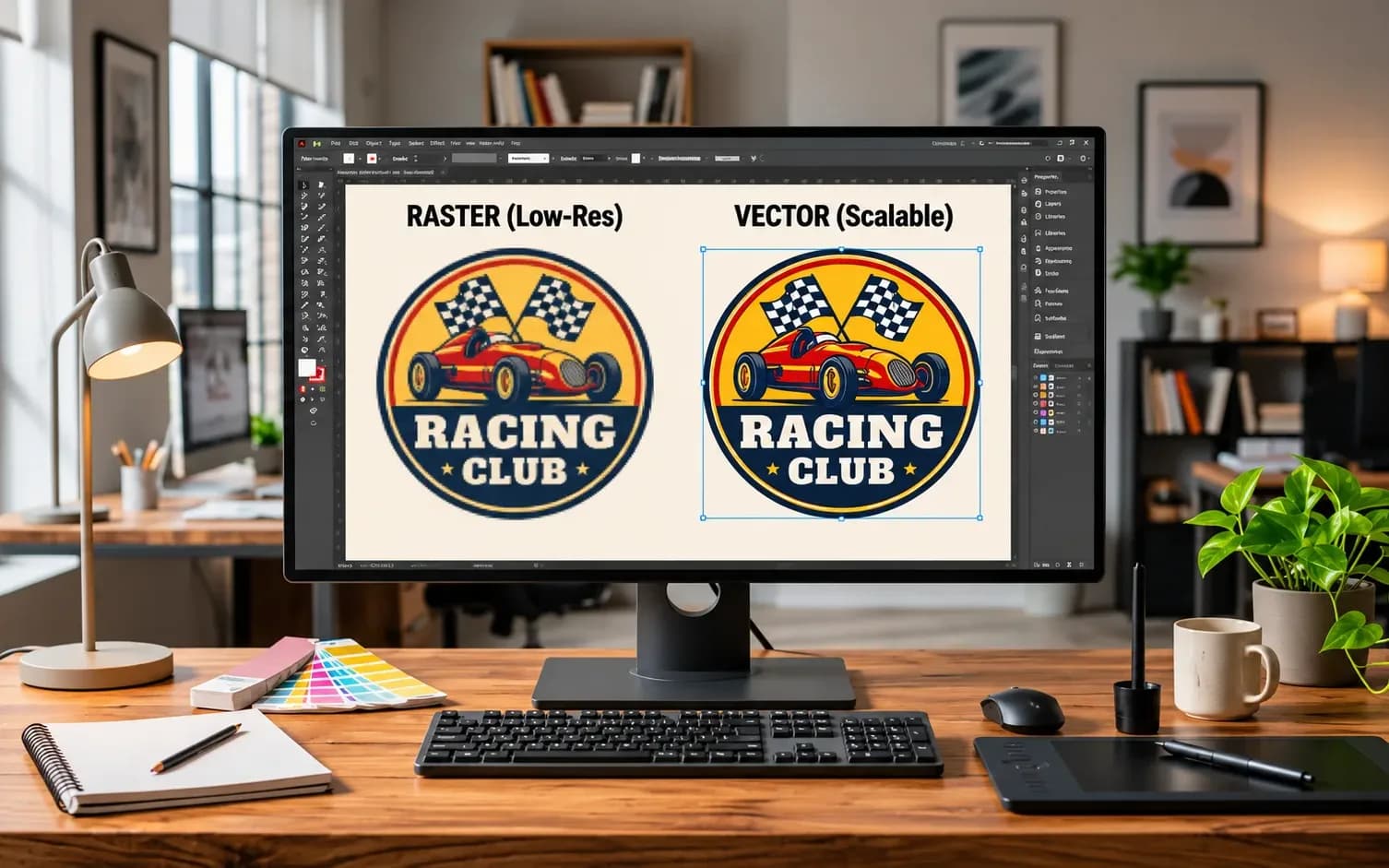
Raster images such as PNG and JPG are made of pixels.
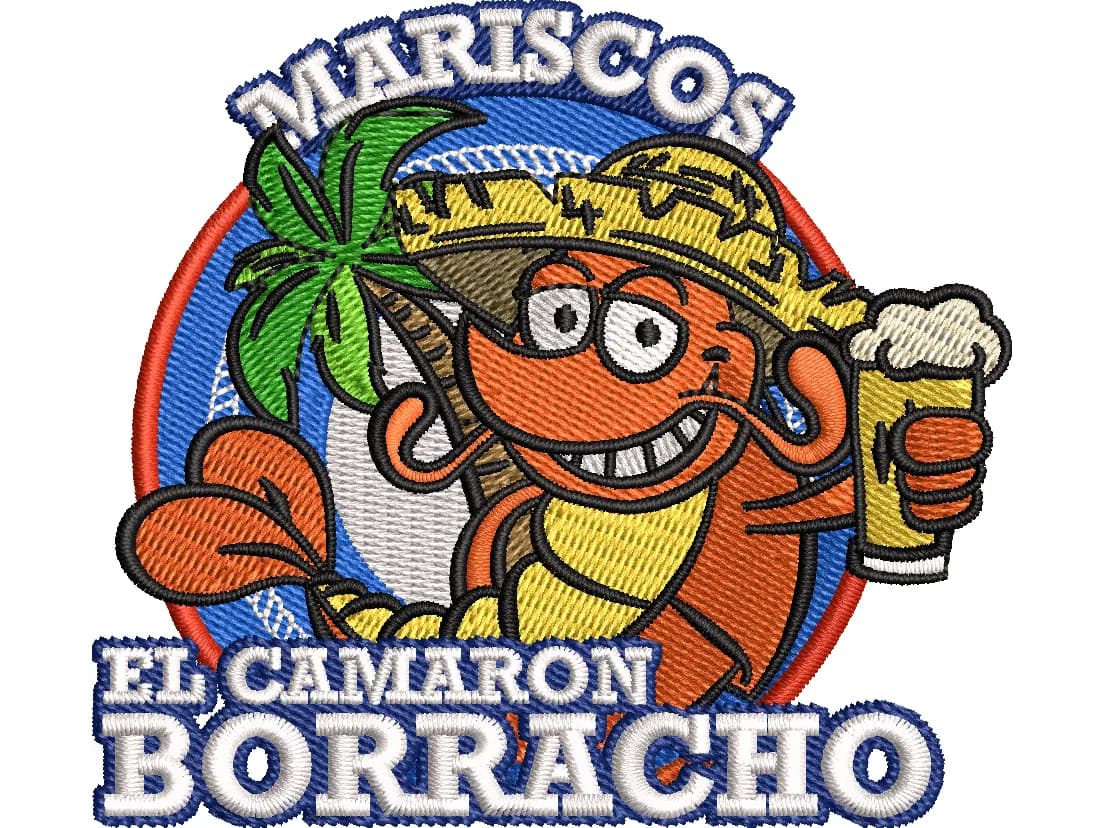
A digitizer uses these images as a reference to recreate the design in stitches.
Clear, high-resolution artwork makes it easier to identify shapes and lettering.
Blurry or extremely small images may require additional artwork preparation.
Digitizing a Vector Logo
Vector artwork typically describes shapes using mathematical paths.
Formats such as AI, EPS, and SVG can be useful because clean vector shapes may be easier to interpret than low-quality raster images.
However, a vector file still needs embroidery digitizing.
Vector artwork does not automatically contain appropriate underlay, stitch density, sewing sequence, or fabric compensation.
Does a Logo Always Need Vector Conversion First?
No.
If the source artwork is clear enough, an experienced digitizer may be able to work directly from a raster image.
Vector conversion can be helpful when the original artwork is blurry, distorted, or difficult to interpret.
At Aspire Digitizing, embroidery digitizing and vector art conversion are separate services that can support different artwork requirements.
Manual vs. Automatic Embroidery Digitizing
Many embroidery software programs offer automatic digitizing tools.
These tools can analyze artwork and generate stitch objects using automated settings.
However, manual digitizing and auto-digitizing are not identical processes.
Automatic Digitizing
Automatic digitizing can be useful for relatively simple artwork, learning, or creating an initial design that will be reviewed and refined.
Its effectiveness depends on the software, artwork quality, selected settings, and intended use.
More complex logos may require substantial corrections.
Manual Digitizing
Manual digitizing gives the operator greater control over elements such as:
- Stitch type selection
- Sewing sequence
- Underlay
- Stitch direction
- Density
- Pull compensation
- Small-detail simplification
This additional control can be valuable for complex logos, lettering, and designs intended for challenging fabrics or placements.
Which Method Is Better?
There is no universal answer for every design.
Simple artwork may work well with automated assistance and appropriate review.
Complex designs usually benefit from more deliberate stitch planning and manual adjustments.
The most important question is whether the finished embroidery performs well on the intended material—not simply whether the file was created manually or automatically.
Does the Same Logo Need Different Digitizing for Hats and Shirts?
Often, yes.
A logo that works well on a flat polo shirt may need different digitizing adjustments for a structured baseball cap.
The differences come from the fabric, shape, size, embroidery position, and sewing conditions.
Left-Chest Embroidery
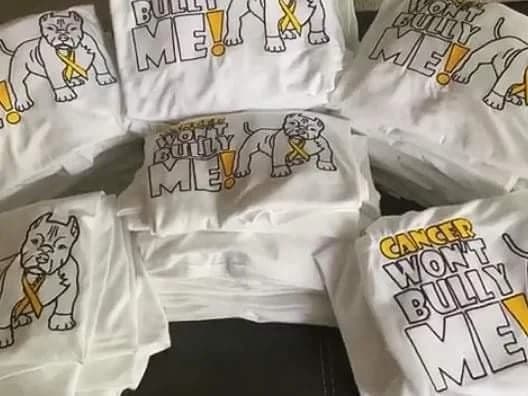
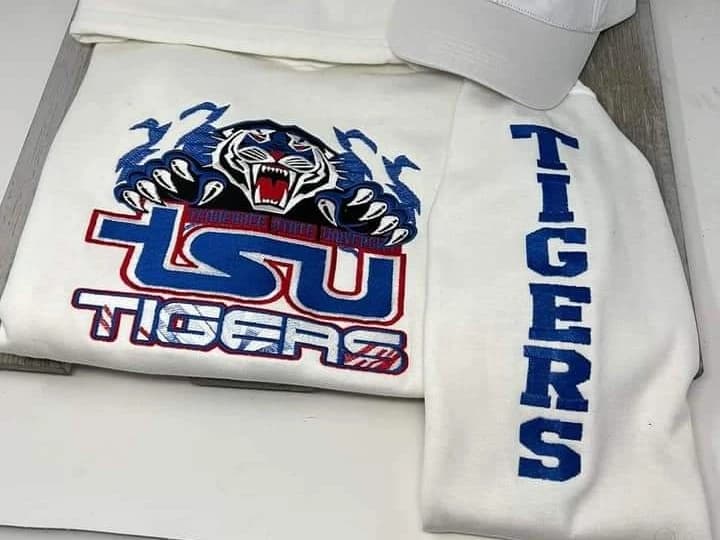
Left-chest designs are common on polo shirts, uniforms, and workwear.
These designs often need to remain readable at relatively small dimensions.
Thin lettering and detailed artwork may require simplification to achieve an acceptable result.
Cap Embroidery
Caps present additional challenges because the embroidery surface is curved and may have structural constraints.
The suitable sewing sequence and digitizing approach depend on the cap style and machine setup.
For structured caps, center-out sequencing is frequently considered to help manage fabric movement, although the appropriate method depends on the design and equipment.
A shirt-ready stitch file should not automatically be assumed to work identically on a cap.
Jacket-Back Embroidery
Jacket-back designs are often much larger than left-chest or cap logos.
Larger designs may require different fill strategies, stitch directions, and density decisions.
Increasing the size of a small embroidery file without appropriate editing can introduce unwanted stitching behavior.
Should You Resize an Embroidery File Yourself?
Minor resizing may be possible within supported software limits.
However, substantial changes can require re-digitizing or editing from a suitable native source file.
This is particularly important when the new size affects lettering, stitch lengths, density, or other structural properties.
When in doubt, ask your digitizing provider whether the existing file is suitable for the new placement.
Common Embroidery Digitizing Problems and How to Avoid Them
Even with a properly created embroidery file, production problems can occur.
Understanding common issues helps you determine whether a file needs adjustment or whether the problem may involve the machine, fabric, or embroidery setup.
1. Fabric Puckering
Puckering happens when fabric gathers or wrinkles around stitched areas.
Possible contributing factors include excessive stitch density, unsuitable stabilizer, hooping problems, or fabric movement.
What helps: Review stitch properties, stabilizer selection, hooping, and machine tension rather than assuming the digitized file is the only cause.
2. Gaps Between Colors or Outlines
An embroidered design may show gaps between neighboring shapes.
These gaps can develop because fabric moves during stitching or because the stitch placement and compensation are not suitable.
What helps: Review stitch overlap, sewing sequence, pull compensation, and fabric stability.
3. Small Lettering Looks Unclear
Very small text may lose definition when embroidered.
Certain font styles contain narrow strokes, tight spacing, or details that are difficult to reproduce at small sizes.
What helps: Use suitable lettering dimensions, consider a simpler font when necessary, and evaluate whether the original artwork needs adjustments.
4. Excessively Dense Embroidery
Too many stitches in a small area can create stiff, bulky embroidery.
This may increase stress on thread, needles, and fabric.
What helps: Review overlapping objects, underlay, stitch density, and whether every detail is necessary.
5. Thread Breaks and Unnecessary Trims
Frequent thread breaks can slow down production.
Possible causes include needle condition, thread quality, tension, stitch density, or machine settings.
Unnecessary jumps and trims may also affect production efficiency.
What helps: Inspect the sewing sequence and machine setup, and identify where the issue occurs during the sew-out.
Why Sew-Out Feedback Matters
A real embroidered sample provides information that a software preview cannot fully reproduce.
If a design stitches incorrectly, photographs of the result, along with fabric, size, and machine details, can help a digitizer understand the issue.
Clear feedback is particularly valuable when troubleshooting small lettering, registration gaps, and fabric distortion.
How Much Does Embroidery Digitizing Cost?
Embroidery digitizing prices vary depending on the provider and complexity of the artwork.
Several factors influence the cost of a design.
Design Complexity
A simple text logo usually requires less detailed planning than a large illustration with multiple colors and intricate shapes.
Embroidery Size
A small chest logo and a large jacket-back design may require different amounts of work.
However, size alone does not determine the price.
Small Details and Lettering
Extremely fine details, complex outlines, and small text may require additional preparation or simplification.
Special Embroidery Techniques
Techniques such as 3D puff embroidery can require specialized planning and stitch properties.
Artwork Preparation
Low-quality artwork may require cleanup or vector conversion before digitizing.
Understanding Pricing at Aspire Digitizing
Aspire Digitizing provides custom embroidery digitizing for common applications such as left-chest logos, cap designs, puff embroidery, and jacket-back designs.
Pricing depends on the design requirements, so customers should review the current pricing page or request a quote based on their artwork.
Before ordering, it is useful to confirm whether the quoted price includes the requested machine format, any necessary artwork preparation, and the provider's revision policy.
What Should You Send to an Embroidery Digitizing Service?
Providing complete information at the beginning can make the digitizing process easier.
Here is a practical checklist.
1. Your Artwork
Send the clearest version available.
A high-quality PNG, JPG, PDF, AI, EPS, or SVG file can provide a useful starting point.
2. Required Embroidery Size
Specify the width and height in inches or millimeters.
For example:
Left-chest logo: 3.5 inches wide
Avoid asking the digitizer to guess the intended production size.
3. Garment Type and Placement
Explain whether the design is intended for a cap, polo shirt, jacket, sleeve, patch, or another application.
If possible, also provide information about the fabric.
4. Machine File Format
Mention whether you need DST, PES, EXP, JEF, VP3, or another compatible format.
If you're unsure, provide your machine brand and model.
5. Special Instructions
Describe any special requirements, such as:
- 3D puff embroidery
- Specific lettering preferences
- Color changes
- Simplified details
- A particular stitch appearance
- Multiple placement sizes
6. Reference Images
If you have an example of how you want the embroidery to look, include it.
An existing sew-out photo can also be useful when requesting a modification.
The more accurate the production details, the easier it becomes to prepare a file suited to the intended embroidery job.
Frequently Asked Questions About Embroidery Digitizing
Is Embroidery Digitizing the Same as Embroidery?
No. Embroidery digitizing is the process of creating the machine-readable stitch instructions. Embroidery is the physical process of stitching the design onto fabric using thread and an embroidery machine.
Can I Embroider a PNG or JPG Directly?
Generally, an ordinary PNG or JPG is not a machine-ready stitch file. It needs to be converted into appropriate embroidery instructions through digitizing or a compatible machine/software workflow.
Is a DST File Editable?
DST files contain stitch data and can be modified using suitable software, but they generally do not preserve the same editable object information as a native design file such as EMB.
Significant lettering, sizing, or design changes are often easier when the native source file is available.
Can I Use the Same Digitized File for a Hat and a Shirt?
Sometimes an existing file can be adapted, but it should not automatically be considered suitable for both placements.
Caps and shirts can have different structural and sewing requirements. Adjustments may be needed for consistent results.
What Is 3D Puff Embroidery Digitizing?
3D puff embroidery uses foam beneath selected stitching to create a raised effect.
The design needs to be prepared with appropriate stitch coverage and other technique-specific considerations.
Not every logo or small detail is suitable for puff embroidery.
Do I Need Vector Art Before Embroidery Digitizing?
Not always.
Clear raster artwork can often be digitized directly. Vector art can be helpful when the original logo needs cleanup or more precise reconstruction.
How Can I Tell Whether a Digitized File Is Good?
The most meaningful evaluation comes from how the design stitches on the intended material.
Look for readable lettering, appropriate coverage, acceptable outlines, smooth sewing behavior, and minimal unnecessary distortion.
Also consider the effect of stabilizer, thread, machine tension, and other production conditions.
Can Embroidery Digitizing Be Done Automatically?
Yes. Many digitizing programs offer automatic tools.
However, generated designs should be reviewed for stitch properties, sewing sequence, fabric suitability, and actual embroidery quality.
Final Thoughts: Why Embroidery Digitizing Matters
Embroidery digitizing is the essential connection between digital artwork and machine embroidery.
A good stitch file is not simply an image saved in another format. It is a carefully prepared set of instructions that accounts for design structure, embroidery size, stitch types, fabric behavior, and sewing sequence.
For businesses producing embroidered uniforms, branded apparel, hats, or custom merchandise, understanding digitizing can help reduce avoidable production problems and improve communication with embroidery providers.
Whether you're creating your first embroidered logo or managing regular embroidery production, supplying clear artwork and accurate project details is a strong starting point.
Get Your Logo Ready for Embroidery with Aspire Digitizing
Have a logo that you want to embroider on a polo shirt, cap, jacket, or uniform?
Aspire Digitizing offers custom embroidery digitizing services for businesses, embroidery shops, apparel brands, and individuals who need machine-ready embroidery files.
Share your artwork, required size, placement, and preferred embroidery format so the team can review your requirements.
Request an Embroidery Digitizing Quote
Turn your artwork into a design prepared for machine embroidery.